Make Progress Visible Without Building Another Dashboard
When progress becomes hard to explain, teams often build a dashboard. Soon the dashboard needs definitions, integrations, owners, refresh rules, and a second view for the questions the first view did not answer. Reporting effort grows while the underlying work remains difficult to see.
Visibility does not require more data. It requires a shared representation of movement: what changed, what is active, what is waiting, what is blocked, and which decision comes next.
Choose the audience and question
Decide who needs the view and what they must understand. A delivery team needs operational flow. A sponsor needs confidence about outcome, risk, and decisions. One surface can support both only if it stays at the level they share.
Write the question at the top: “Can we complete the pilot with the current evidence and capacity?” A view organised around that question is harder to fill with decorative metrics.
Show outcomes and evidence
Represent each meaningful item as a short card. Use outcomes, decisions, or evidence—not fragments of personal activity. “Validated the revised intake with six service agents” shows movement. “Worked on intake” does not.
Limit active items. If the surface displays twenty priorities, it is accurately showing that the team has not prioritised.
Use four clear states
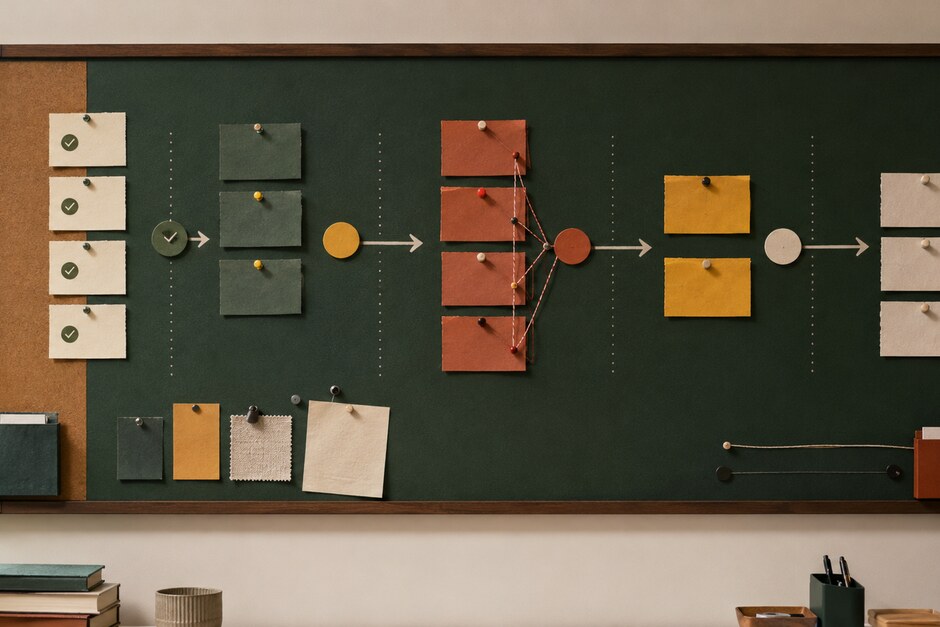
Create columns for completed and verified, active, blocked, and next. Add waiting only when external timing is a frequent and legitimate part of the work. Define the entry condition for each state so cards do not move according to optimism.
Completed means the intended evidence or deliverable exists and has been checked. Active means somebody is working on it now. Blocked means progress requires intervention. Next means capacity has been reserved, not merely that the item is desirable.
Make age visible
Mark when an item entered its current state. Age reveals stagnation more reliably than a colour selected by an owner. A card that has remained active for three weeks deserves a conversation even if its status is green.
Use a simple dot or weekly mark rather than building an elaborate time calculation. The point is to prompt attention, not create a performance score.
Attach the decision to the blockage
Every blocked card should name the decision or input required, the owner, and the date by which delay becomes consequential. “Waiting for finance” hides the next move. “Finance owner to confirm the £8k limit by Thursday” makes intervention possible.
Frame larger choices with Write the Decision Down Before the Meeting Begins. Visibility becomes useful when it leads to a decision, not when it merely displays discomfort.
Connect the surface to the brief
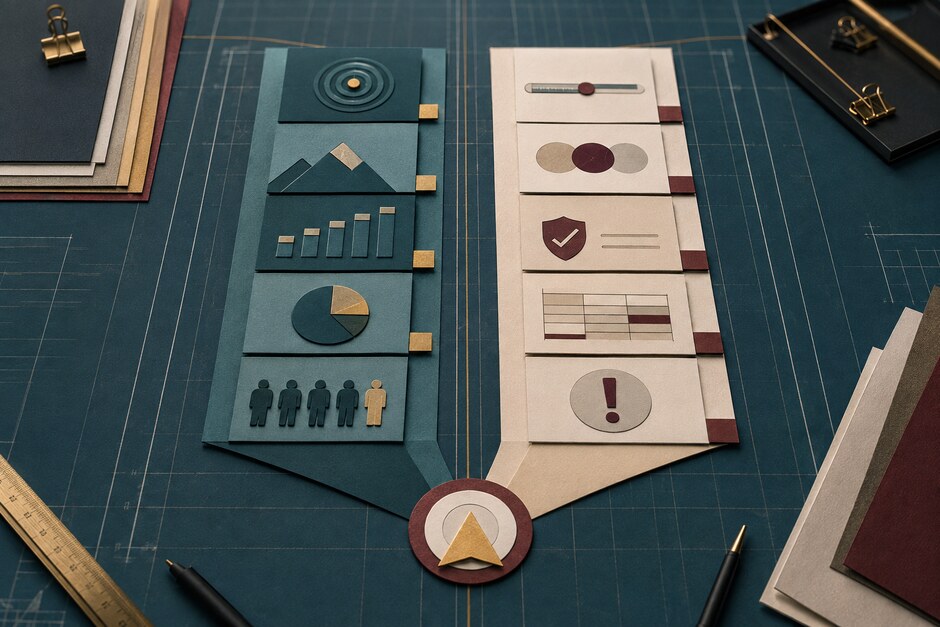
Keep the result and constraints from the two-column brief beside the flow. A card belongs on the surface because it moves the intended change or protects a condition. This prevents task visibility from replacing outcome visibility.
If a new item supports neither column, decide whether the brief has changed or the request should remain outside active work.
Update where the conversation happens
Use the surface during the weekly review. Owners move cards and add evidence before the session; the group examines old work, blockages, and next commitments. Avoid copying the same information into slides.
A photograph or exported snapshot can serve as the weekly record. Capture important decisions separately so the board does not become an archive it was never designed to be.
Remove measures that do not change action
After several weeks, ask which fields the team actually used to intervene. Delete the rest. A small view that people trust and discuss is more valuable than a comprehensive dashboard nobody can interpret consistently.
Add automation only after the manual view has proven the question, definitions, and decisions worth supporting. Otherwise software makes confusion refresh faster.
Visible progress should shorten the explanation of a project. In a minute, a new observer should understand the result, recent movement, oldest blockage, and next decision. If they cannot, simplify the surface before adding another chart.